
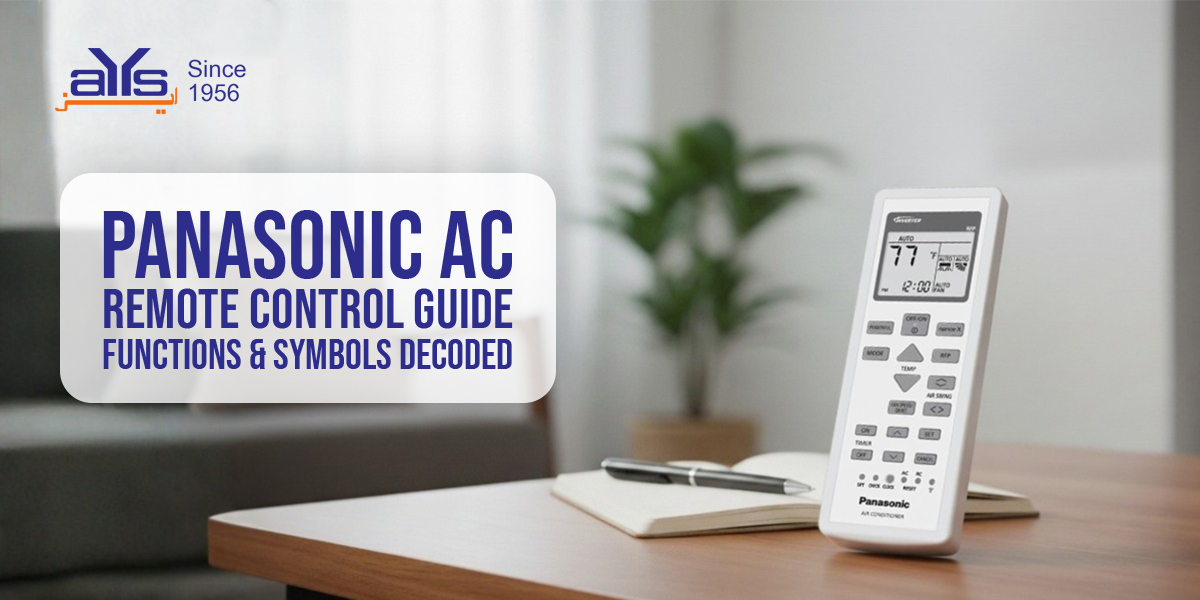
Panasonic AC remotes are packed with advanced features that go beyond simple cooling. If you aren’t using buttons like “iAUTO-X” or “ECONAVI,” you aren’t getting the most out of your premium inverter air conditioner.
Here is a quick guide to the unique buttons found on Panasonic AC remotes in Pakistan.
Key Remote Buttons Explained
| Button / Symbol | Function |
|---|---|
| iAUTO-X | Activates fast cooling. The compressor runs at maximum speed, and the fan uses “Aerowings” to shower cool air down for instant relief. |
| ECONAVI | Uses the “Human Activity Sensor” to detect if people are in the room. It reduces cooling power when the room is empty to save energy. |
| Nanoe-G | Turns the air purification system ON or OFF. You can run this even when the cooling is OFF (using fan mode) to clean the air. |
| MILD DRY | Maintains humidity levels. Useful if you wake up with a dry throat or dry skin in the morning. |
| SLEEP | Adjusts the temperature gradually through the night so you don’t wake up feeling too cold. |
| POWERFUL / QUIET | Press once for Powerful (Turbo mode). Press again for Quiet (Reduces fan noise for sleeping). |
How to Unlock Panasonic AC Remote
If your remote screen is on but the AC isn’t responding, it might be locked or on a different frequency.
- Check Batteries: Weak batteries often cause the display to fade or malfunction.
- Reset: Use a pin to press the tiny “Reset” hole usually found near the battery compartment.
- Clock Setting: Panasonic remotes require the clock to be set correctly for the Timer to work. Press “Clock,” use up/down arrows to set time, and press “Set.”
Video Tutorial
Learn how to use every function on your Panasonic remote:


